
IMPORTANT!
If you purchased a credential for someone else,
make sure to transfer first before activating!
Note: The recipient must accept the transferred credential to complete
the transfer process.
More info here: How do I transfer my credential to another person?
How do I accept a transferred credential?
___________________________________________________________________________
For all General Registration and Artist Alley credentials, follow the instructions below to activate your credentials:
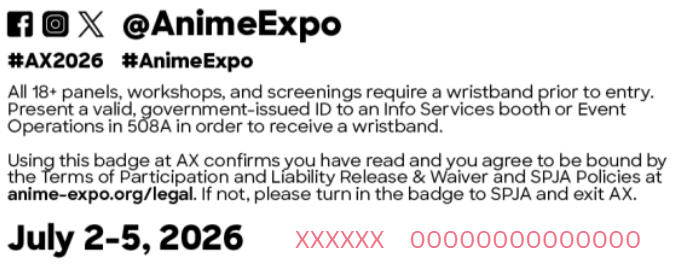
1. At the back of the credential you received, note the LAST 14-digits of the RFID code (printed in orange color, in this example, 00000000000000 is the RFID code).
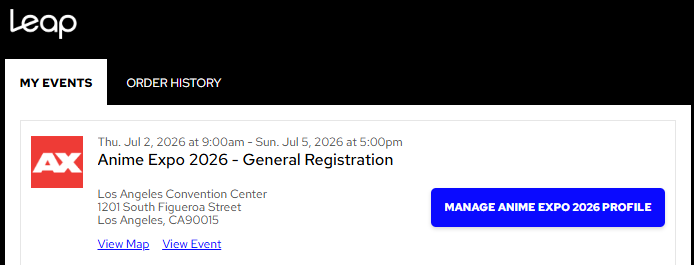
2. Login to your Leap (formerly ShowClix) MyTickets account. Click Manage My Anime Expo 2026 Profile.
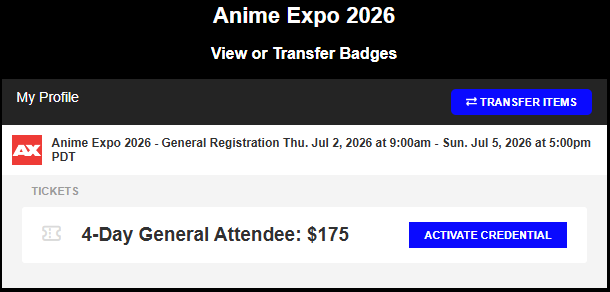
3. Identify the credential you want to activate. Click ACTIVATE CREDENTIAL, and enter the LAST 14-digits of the RFID code.
4. Enter the RFID code and hit submit. Once you submit the code, it will appear in place of the ACTIVATE CREDENTIAL button, located next to the credential image as shown below. 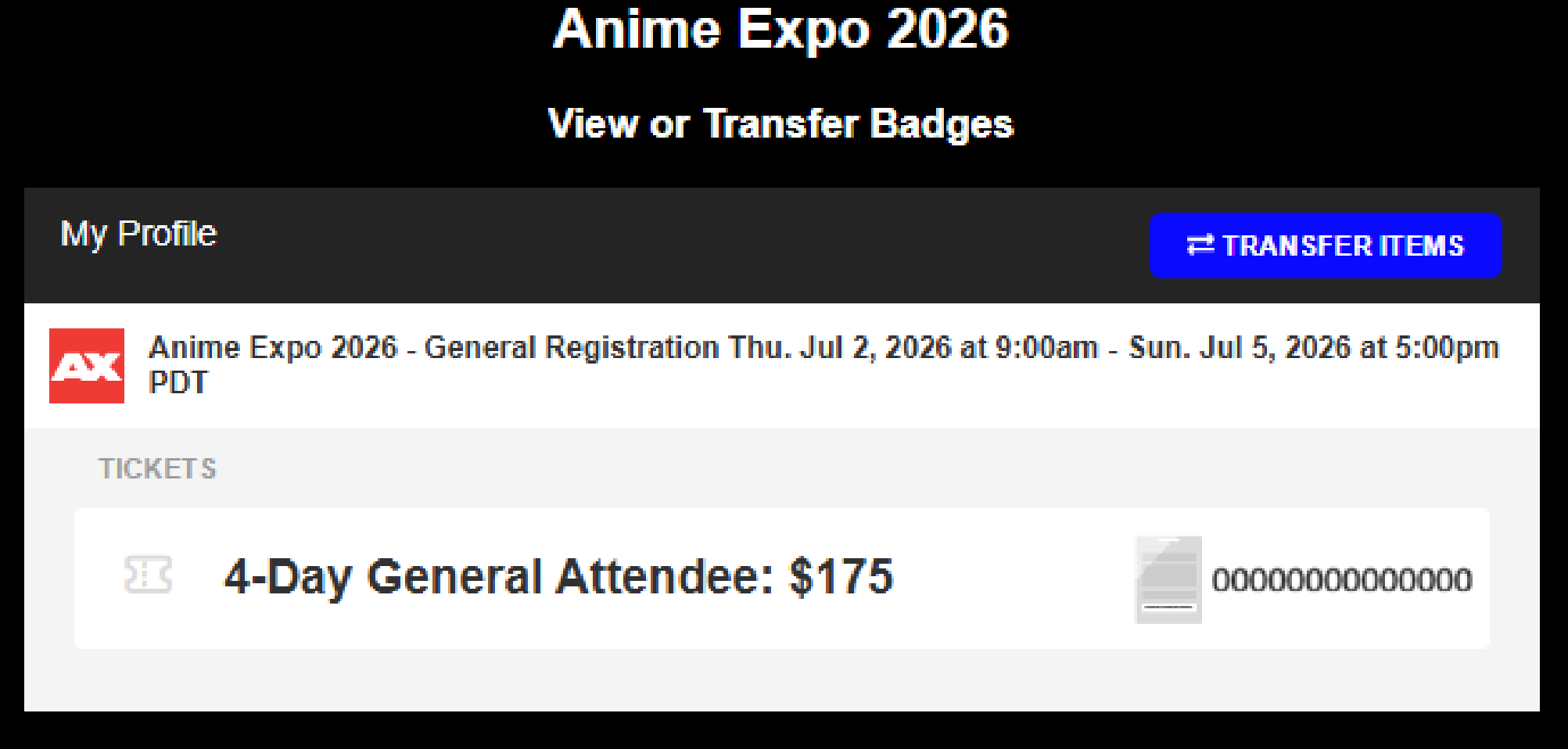
NOTE: Each badge holder MUST activate their credential in their personal Leap (formerly ShowClix) MyTickets account to ensure the credential is properly registered under their name to avoid issues at the show.
Have additional questions or need assistance? Email Leap (formerly ShowClix) Customer Support on their Contact Support Page.