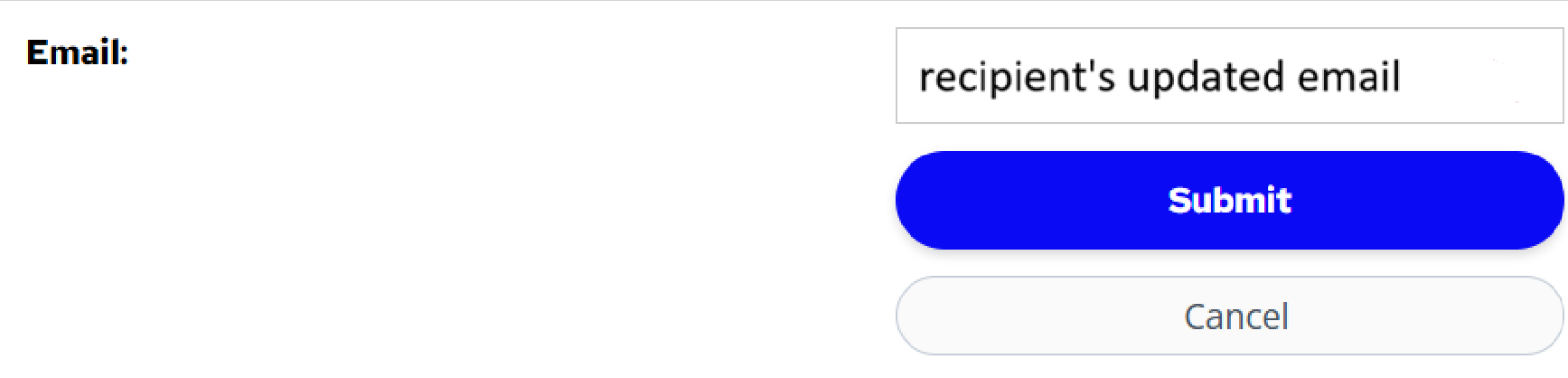
To update your email for your order, please follow the following steps.
- Login to your Leap (formerly ShowClix) My Tickets account. If you forget your password, use the "Forgot your password" feature to recover your password.
- Under "Anime Expo 2026 - General Registration", choose the order which you want to modify the email.
- Under "Sent to", click the pencil icon.

- Enter the new email you want to receive the information for this order. Click [Submit].